AI in Graphic Design: How Artificial Intelligence is Transforming Creativity in 2026
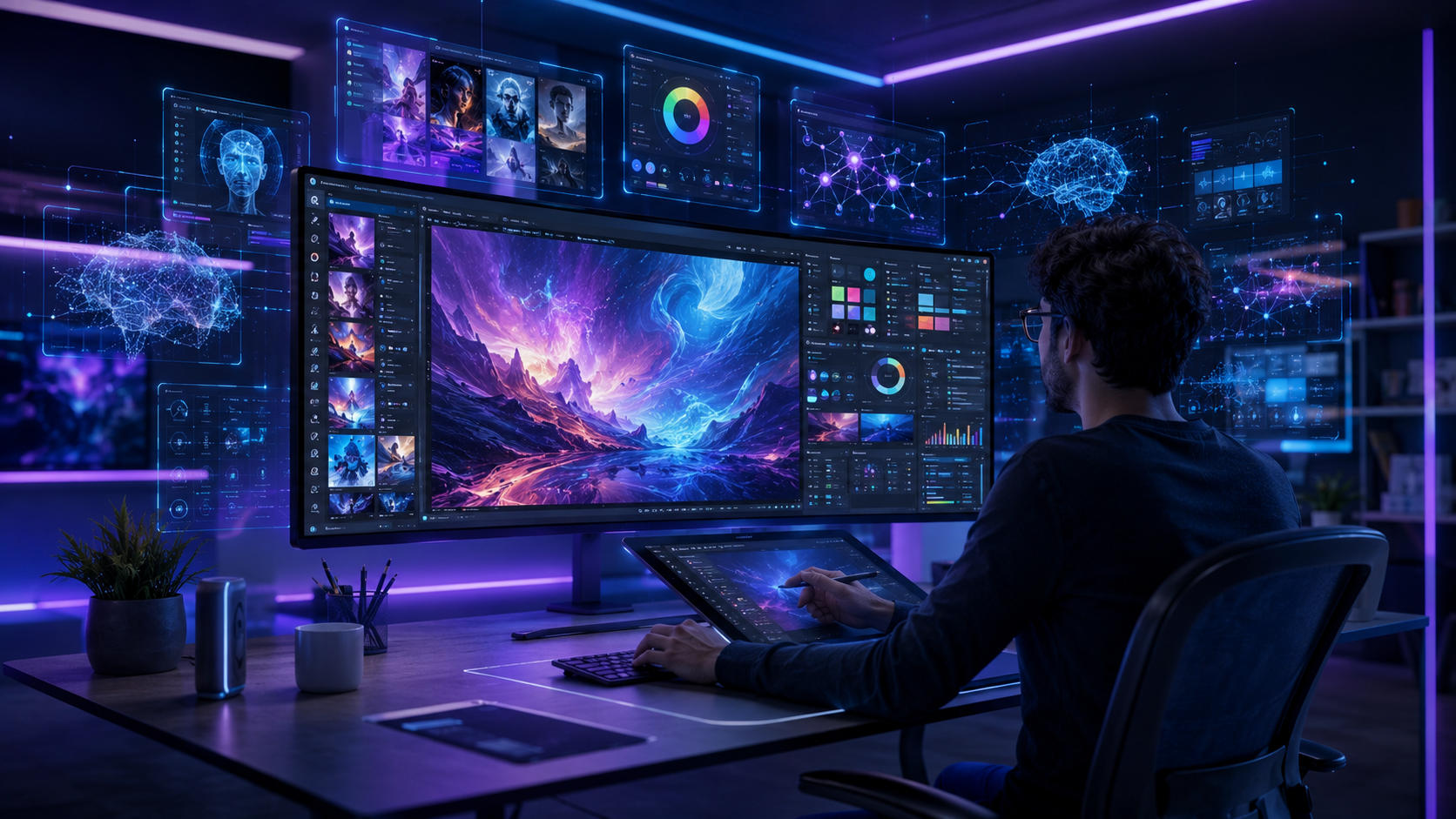
Artificial Intelligence (AI) has become one of the biggest innovations in the creative industry. From generating stunning visuals in seconds to helping designers automate repetitive tasks, AI in graphic design is changing how creative professionals and businesses approach design.
Whether you’re a beginner, a professional graphic designer, a business owner, or a digital marketer, understanding AI-powered design tools can help you create better visuals faster while maintaining high-quality standards.
In this guide, we’ll explore how AI is transforming graphic design, the best AI tools available, their advantages and limitations, and why human creativity remains irreplaceable.
What is AI in Graphic Design?
AI in graphic design refers to the use of artificial intelligence technologies to assist in creating, editing, improving, and generating visual content.
Instead of starting every project from scratch, designers can use AI to:
- Generate creative ideas
- Create images from text prompts
- Remove image backgrounds
- Design social media posts
- Produce logos
- Edit photographs
- Enhance image quality
- Suggest layouts and typography
- Automate repetitive design tasks
AI acts as a creative assistant, allowing designers to focus more on strategy, storytelling, and branding.
Why AI is Revolutionizing Graphic Design
Businesses today need more visual content than ever before. Websites, social media, advertising campaigns, presentations, email marketing, and product packaging all require high-quality graphics.
AI helps designers meet these growing demands by improving productivity and reducing turnaround times.
Some key reasons why AI is becoming essential include:
- Faster design creation
- Increased productivity
- Better design suggestions
- Cost savings
- Easy content personalization
- Improved creative workflows
Top Benefits of AI in Graphic Design

1. Faster Design Process
AI significantly reduces the time needed to complete repetitive tasks like background removal, image resizing, color correction, and layout generation.
What once took hours can now be completed in minutes.
2. Better Creative Inspiration
Every designer experiences creative blocks.
AI can instantly generate multiple design concepts, giving professionals fresh ideas to explore instead of replacing their creativity.
3. Improved Image Editing
Modern AI tools can:
- Remove unwanted objects
- Replace backgrounds
- Enhance image quality
- Restore old photos
- Increase resolution
- Apply artistic styles
These features save valuable editing time.
4. Smart Branding Support
AI helps businesses maintain consistent branding by recommending:
- Color palettes
- Typography
- Logo variations
- Brand templates
- Social media designs
This ensures visual consistency across all marketing channels.
5. Personalized Marketing Designs
AI can automatically generate customized graphics based on:
- Audience demographics
- Customer interests
- Purchase history
- Campaign objectives
This makes marketing more engaging and effective.
Best AI Graphic Design Tools in 2026
Adobe Firefly
Ideal for professional designers.
Best Features:
- AI image generation
- Generative Fill
- Text effects
- Background replacement
- Commercial-safe AI outputs
Canva AI
Perfect for beginners and marketers.
Popular Features:
- Magic Design
- AI image generator
- Magic Write
- Background remover
- Presentation creator
Figma AI
Designed for UI/UX designers.
Capabilities include:
- Wireframe generation
- Interface suggestions
- Component automation
- Layout recommendations
Microsoft Designer
A great choice for quick marketing materials.
Useful for:
- Social media graphics
- Invitations
- Posters
- Banners
- Marketing creatives
Midjourney
Excellent for artistic illustrations, fantasy concepts, branding inspiration, and unique visual styles.
ChatGPT
While not an image editor, ChatGPT helps designers create:
- Creative briefs
- Image prompts
- Brand messaging
- Ad copy
- Design concepts
- Content ideas
How AI Helps Different Industries
Marketing Agencies
AI speeds up content creation for:
- Social media campaigns
- Google Ads creatives
- Display banners
- Email marketing graphics
E-commerce Businesses
AI assists with:
- Product images
- Promotional banners
- Marketplace creatives
- Seasonal campaigns
Small Businesses
Without hiring a large design team, businesses can create:
- Flyers
- Business cards
- Brochures
- Social media posts
- Brand assets
Content Creators
YouTubers, bloggers, and influencers use AI to produce:
- Thumbnails
- Instagram posts
- Infographics
- YouTube banners
- Presentation graphics
Challenges of AI in Graphic Design
Despite its advantages, AI also has limitations.
Limited Original Creativity
AI learns from existing patterns.
Human designers still excel at storytelling, emotional design, and unique brand experiences.
Copyright Concerns
Businesses should ensure AI-generated visuals comply with licensing requirements and intellectual property laws.
Brand Consistency
AI-generated designs often require manual refinement to match a company’s branding guidelines.
Human Judgment Matters
Successful design requires understanding:
- Customer psychology
- Business goals
- User experience
- Cultural context
These are areas where human designers continue to lead.
Will AI Replace Graphic Designers?
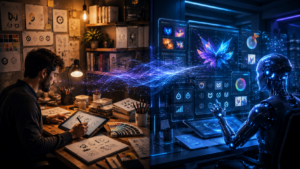
The short answer is No.
AI is transforming the way designers work, but it is not replacing creative professionals.
Instead, AI is becoming a powerful design assistant.
Designers who combine creativity with AI tools can:
- Work faster
- Serve more clients
- Improve quality
- Experiment with new ideas
- Increase productivity
The future belongs to designers who know how to collaborate with AI rather than compete against it.
Future of AI in Graphic Design
Over the next few years, AI is expected to become even more intelligent.
Future developments may include:
- Fully personalized brand design systems
- AI-generated 3D graphics
- Automated video creation
- Interactive website design
- Real-time multilingual design adaptation
- Smarter design recommendations
Businesses that adopt AI responsibly while maintaining human creativity will have a significant competitive advantage.
Tips for Using AI Effectively
To get the best results from AI:
- Use AI to speed up repetitive work.
- Always review and refine AI-generated designs.
- Maintain your brand identity with consistent colors, fonts, and messaging.
- Combine AI suggestions with original creative thinking.
- Keep learning as AI tools evolve.
Frequently Asked Questions (FAQs)
Is AI good for graphic design?
Yes. AI improves productivity by automating repetitive tasks, generating ideas, and speeding up design workflows. Human creativity is still essential for strategic and original design.
Which AI tool is best for graphic designers?
Popular choices include Adobe Firefly, Canva AI, Figma AI, Microsoft Designer, Midjourney, and ChatGPT for brainstorming and prompt creation.
Can beginners use AI graphic design tools?
Absolutely. Many AI tools offer simple drag-and-drop interfaces that make it easy for beginners to create professional-looking designs.
Does AI replace creativity?
No. AI assists with execution and inspiration, but creativity, storytelling, and understanding client needs remain human strengths.
Is AI-generated design suitable for businesses?
Yes, when reviewed and customized. Businesses should ensure designs align with their brand identity and comply with copyright and licensing requirements.
AI in graphic design is transforming the creative process by making design faster, more efficient, and more accessible. From generating concepts to automating repetitive tasks, AI empowers designers and businesses to produce high-quality visuals with greater speed.
However, the best results come from combining AI’s efficiency with human creativity, strategic thinking, and brand understanding. As AI tools continue to evolve, designers who embrace them as collaborative assistants will be well-positioned for success.
Whether you’re a student, freelancer, marketer, or business owner, learning to use AI in graphic design today will help you stay competitive in the creative industry of tomorrow.